
Your SAPinsider Copenhagen Event Mobile App
Everything you need to make the most of your event experience.
The official SAPinsider Copenhagen 2026 mobile app is now available! Download it before you arrive to explore the agenda, connect with fellow attendees, navigate the venue, and stay informed throughout the event.
Get the App
Download SAPinsider Events from the Apple App Store or Google Play, or scan a QR code below.
Apple App Store
Download from Apple App Store (opens in a new tab)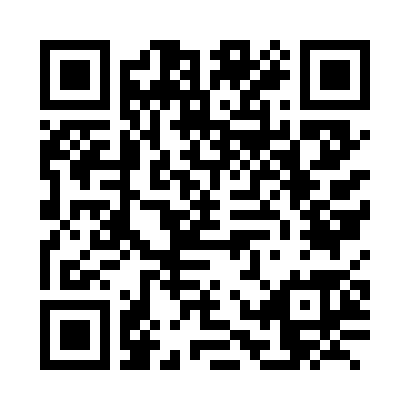
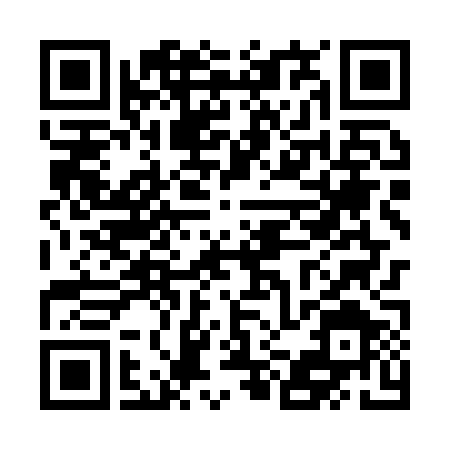
Getting started is easy:
- Download the SAPinsider Events app.
- Log in using the email address associated with your event registration.
- Select SAPinsider Copenhagen 2026.
Already have the app from a previous SAPinsider event? Simply log out and back in, then select Copenhagen 2026.
Make the Most of Your Experience
Build Your Personal Agenda
Browse sessions, filter by topic, and save your must-attend sessions to your schedule.
Connect With Attendees
Discover and connect with fellow participants using the app's opt-in networking feature.
Navigate With Ease
Access venue maps to find sessions, sponsors, and event activities.
Explore Sponsors
Browse participating sponsors and discover solutions relevant to your SAP priorities.
Share Your Feedback
Complete session surveys directly in the app for sessions you've added to your agenda.
Good to Know Before You Go
- Session seating
- Adding a session to your personal agenda does not reserve a seat. Seating is first come, first served.
- Networking privacy
- Attendees appear in the networking directory only if they choose to opt in.
- Registration required
- App access is available to registered event participants. Be sure to use the same email address you used to register.
- Need assistance?
- Contact events@sapinsider.org.
Ready for Copenhagen?
Download the app, start building your agenda, and get ready for November 16–19!